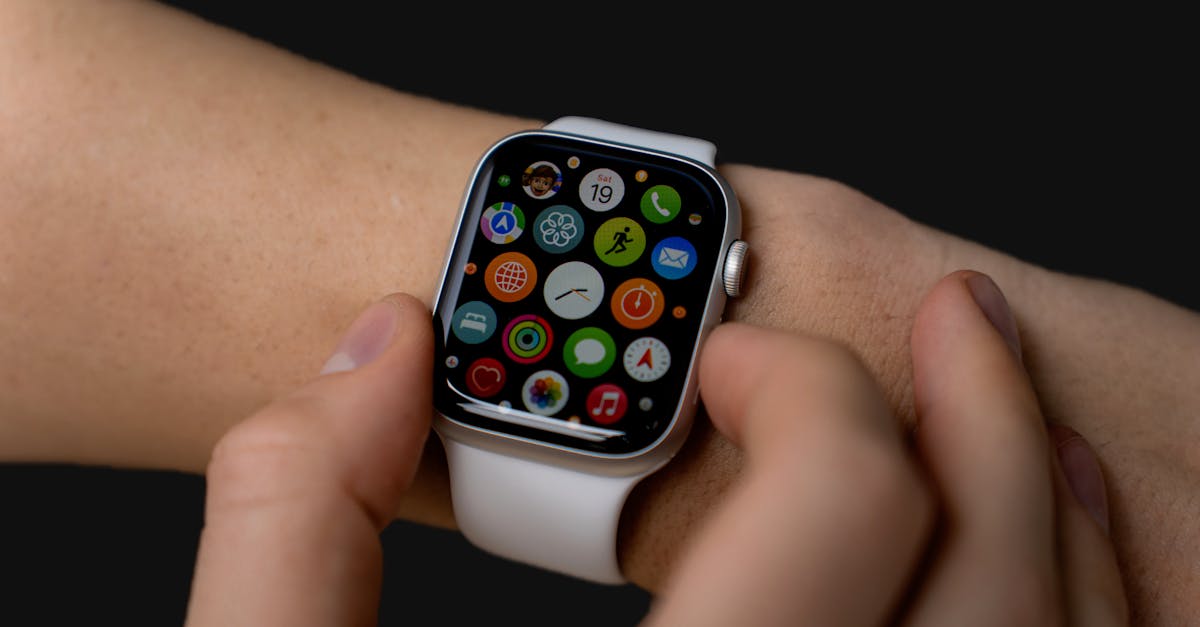
When most people think of smartwatch apps, their minds immediately jump to fitness tracking: step counters, heart rate monitors, calorie burn estimates. And yes, smartwatches excel at these, making them invaluable tools for anyone looking to improve their physical health. But in my experience, focusing solely on fitness means you’re missing out on at least 70% of what a modern smartwatch’s app ecosystem actually offers. The mistake I see most often is users treating their smartwatch as a glorified pedometer, unaware of the powerful tools for productivity, communication, navigation, and even entertainment that lie just a tap away on their wrist. It’s like buying a high-end smartphone and only using it to make calls. You’re simply not getting your money’s worth.
What changed everything for me was when I started exploring the app stores for my Samsung Galaxy Watch and, later, my Apple Watch. I realized that the real value of these devices isn’t just in passive data collection, but in their ability to act as a seamless extension of my digital life, often making my phone usage redundant for quick tasks. From controlling smart home devices to discreetly managing notifications during meetings, the right apps transform a smartwatch from a niche fitness gadget into an indispensable daily companion.
Key Takeaways
- Smartwatch apps extend far beyond fitness, offering robust tools for productivity, navigation, and smart home control.
- Leveraging third-party communication apps on your smartwatch enhances discreet and efficient interaction.
- Customizing alerts and notifications through dedicated apps reduces phone dependence and improves focus.
- Exploring entertainment and utility apps can transform your smartwatch into a versatile standalone device for quick tasks.
Unlock Productivity Beyond Your Phone’s Reach
One of the most transformative aspects of a rich smartwatch app ecosystem is its ability to boost productivity without constantly pulling out your phone. I often hear people complain about being tethered to their smartphones, even for trivial checks. This is precisely where smartwatch productivity apps shine. Consider simple tasks like managing your to-do list, setting quick reminders, or even responding to messages. Instead of interrupting your flow by reaching for your phone, which inevitably leads to getting sucked into social media or other distractions, a quick glance and tap on your wrist can handle it.
For example, I use a dedicated task management app on my Apple Watch (a stripped-down version of Things 3, in my case). If I’m cooking and remember I need to pick up an ingredient, I can dictate a reminder directly into my watch without washing my hands to grab my phone. Similarly, during a workout, if a work thought pops into my head, I can add it to my list instantly. This micro-interaction, taking less than 5 seconds, prevents me from losing focus on my exercise and from forgetting the task later. The seamless integration means those fleeting thoughts are captured without derailing my primary activity. In my experience, this alone saves me dozens of minutes each week by preventing context switching and forgotten tasks. It’s not about doing heavy-duty work on your wrist, but about handling quick, actionable items that keep you moving forward without interruption.
Elevate Communication with Third-Party Messaging
Many assume smartwatch communication is limited to basic SMS or proprietary messaging apps. While these are certainly available, the true power comes when you integrate third-party messaging apps like WhatsApp, Telegram, or even Gmail. Native smartwatch apps for these platforms often provide more functionality and a better user experience than generic notification mirroring. The key here is not just receiving notifications, but having the ability to act on them directly from your wrist.
I vividly remember a situation where I was in a quiet waiting room, anticipating an important message. My phone was silenced and tucked away. When the message came through on WhatsApp, a quick vibration on my wrist allowed me to discreetly read the full text. More importantly, the app offered predefined quick replies, which allowed me to send a polite confirmation without uttering a word or pulling out my noisy phone. This isn’t just about convenience; it’s about social etiquette and maintaining presence. Imagine being able to confirm a meeting or send a quick ‘On my way!’ to a friend without disrupting a conversation or having to search for your phone in a crowded bag. My Galaxy Watch’s ability to pull up recent chats and offer context-aware replies has been a game-changer for staying connected discreetly, especially when my phone isn’t immediately accessible or appropriate to use. Generic notifications often truncate messages, forcing you to reach for your phone anyway. Dedicated apps minimize this friction.
Navigate with Precision, Without the Phone Fumble
GPS and mapping capabilities are standard on most smartwatches, but many users default to their phone’s navigation, missing out on a superior, hands-free experience. The real advantage of smartwatch navigation isn’t just seeing a map on your wrist; it’s the subtle haptic feedback that guides you turn-by-turn. This feature is particularly useful in unfamiliar cities, during runs, or when cycling, where fumbling with a phone is either dangerous or impractical.
My personal revelation came during a trip to a bustling city I’d never visited. I had loaded my walking directions onto my Apple Watch. Instead of constantly looking at my phone, which made me a target for pickpockets and distracted me from my surroundings, my watch provided gentle taps on my wrist, indicating when and which way to turn. A series of distinct vibrations would tell me to turn left, another to turn right. I could keep my eyes on the sights and my hands free. The experience was far less stressful and much more immersive than relying on my phone’s visual map or audio prompts. This isn’t just about getting from point A to B; it’s about seamlessly integrating directions into your activity, whether you’re navigating a new trail, commuting on public transport, or simply trying to find a specific shop in a busy mall. In my experience, this feature alone justifies the cost of a smartwatch for frequent travelers or adventurers.
Master Your Smart Home from Your Wrist
Beyond personal productivity and navigation, smartwatches serve as excellent command centers for your smart home devices. Most major smart home platforms—think Google Home, Apple HomeKit, Amazon Alexa—offer dedicated smartwatch apps. This means you can control lights, adjust thermostats, lock doors, or check security cameras with a simple tap on your wrist, eliminating the need to pull out your phone or bark commands at a smart speaker that might disturb others.
I regularly use my Galaxy Watch to control my Philips Hue lights. When I’m settling down for the evening, a quick tap on a custom complication on my watch face dims the lights and changes their color temperature to a warm, relaxing glow. If I’m already in bed and realize I forgot to lock the front door, a few taps on my watch app secure it. This discreet control is incredibly valuable. I’ve found it far more convenient than fishing for my phone or shouting to Alexa from across the room, especially late at night when I don’t want to disturb my partner. The speed and immediacy of wrist-based control, especially for pre-set scenes or common actions, makes your smart home truly feel ‘smart’ and responsive to your immediate needs. It’s about minimizing friction in everyday interactions with your home environment.
Harness the Power of Custom Complications and Watch Faces
Many users stick with the default watch faces and don’t explore the vast customization options available, particularly with complications. Complications are those small, customizable widgets on your watch face that display information or provide quick access to apps. They are the single most underrated feature of any modern smartwatch, transforming a static display into a dynamic information hub tailored precisely to your needs.
For example, I have different watch faces set up for different contexts: a ‘work’ face with complications for my calendar, task manager, and email shortcuts; a ‘fitness’ face with quick access to workout tracking, heart rate, and weather; and a ‘home’ face that includes controls for my smart lights and a quick-launch for my grocery list app. This allows me to see crucial information at a glance and launch frequently used apps without digging through menus. The ability to switch between these faces with a swipe or a tap means I always have the most relevant tools and information immediately available. What changed everything for me was realizing that I wasn’t just customizing aesthetics, but literally designing my workflow on my wrist. This level of personalized control is what elevates a smartwatch from a novelty to an essential daily gadget, allowing you to access key functions of diverse apps instantly without even opening the app drawer.
Frequently Asked Questions
Can I respond to emails directly from my smartwatch?
Yes, many smartwatches, particularly those from Apple (watchOS) and Samsung (Wear OS), offer robust email app integrations. While typing a full email is impractical, you can often read full messages, use quick replies, dictate responses, or even use a tiny QWERTY keyboard for short messages. This is especially useful for triage or sending quick confirmations without reaching for your phone.
Are third-party smartwatch apps safe and secure?
Generally, yes. Apps available through official stores (like the Apple App Store or Google Play Store) undergo a review process to ensure security and functionality. However, always exercise caution, read reviews, and check app permissions before installing, just as you would with smartphone apps. Stick to reputable developers for critical functions like smart home control or financial alerts.
Do smartwatch apps drain battery life quickly?
Like smartphone apps, heavy use of certain smartwatch apps, especially those relying on GPS or constant data syncing, can increase battery drain. However, most apps are designed for quick interactions and efficient power usage. Managing notifications, limiting background refresh for non-essential apps, and using your watch’s power-saving modes can significantly extend battery life even with frequent app use. In my experience, a balance is achievable where daily use doesn’t kill your battery.
Can I use my smartwatch apps without my phone nearby?
This depends on your smartwatch model and connectivity. GPS-enabled smartwatches can track workouts independently. Models with cellular connectivity (eSIM) can make calls, send messages, stream music, and use cloud-based apps without your phone present. Wi-Fi-connected watches can also access many features as long as they are on the same network as your phone or connected to the internet. However, many apps require the phone for initial setup or full functionality.
How often should I explore new smartwatch apps?
I recommend checking the app store periodically, perhaps once a month, for updates and new releases in categories you care about. Developers are constantly innovating, and new apps or significant updates to existing ones can dramatically enhance your smartwatch experience. Look at the ‘featured’ or ‘trending’ sections in your watch’s app store for inspiration, or browse categories beyond just fitness and health.